Lovefield Wireless 
Wireless IEEE 802.11 Simulation Tool ”Jemula802++”
Lovefield Wireless maintains a self-made event driven simulation tool that enables a detailed and in-depth analysis of wireless networks, mainly Wi-Fi IEEE 802.11. The tool is based on Java and used at ETH Zurich, for teaching Wi-Fi protocols and algorithms.
Jemula802 is a tool for simulating IEEE 802.11 wireless networks. It is licensed under BSD and made available as open source. It is capable of simulating networks with statistical traffic generators. It contains simple TCP/IP stacks, directional antennas, and a mobility model. Wireless signal path loss is modeled with a radio propagation model. The modulation and coding schemes used by radio transceivers are addressed with heuristic interference models (as commonly used in a link budget analysis). Jemula802 is written in Java and has an event-based architecture. The default connectivity model calculates packet errors based on signal, noise, and interference strengths, taking packet structures as well as coding and modulation schemes into account. A simulation scenario is configured using an XML scenario file. In such an XML file, it is possible to specify values for almost every parameter of the wireless protocols and system. The configuration parameters of the MAC layer are independent and can be individually set for each of the radio stations to be simulated.
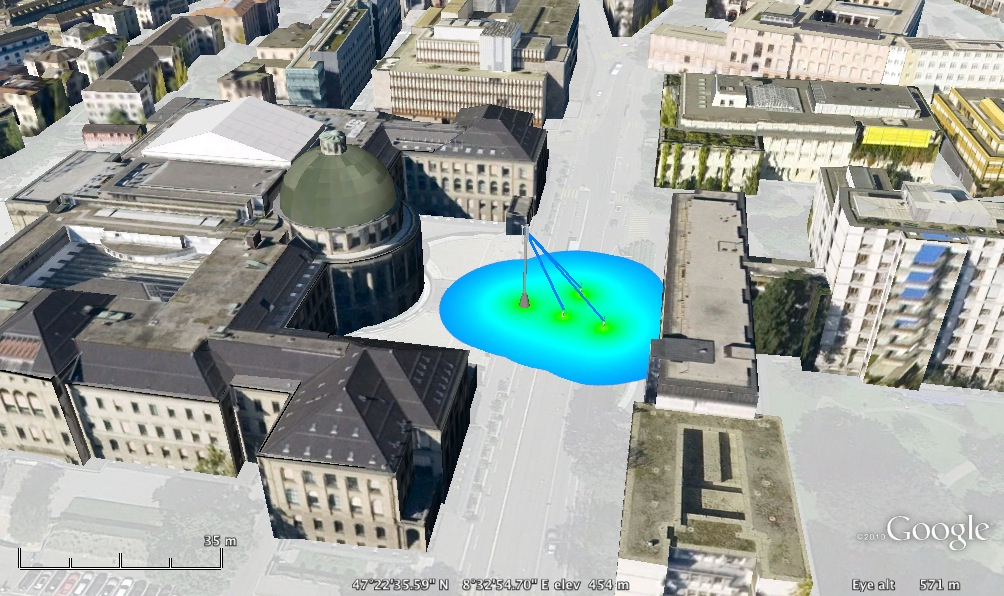
The results of a simulation contain throughput data (end to end and per mesh networking hop), offered traffic generated by the traffic generators, and the system latency (packet delay distributions), per priority, end to end and per mesh networking hop. Statistical data can be visualized with simple scripts (GNU Octave examples are provided), and data visualization conveniently uses Google Earth APIs. Example visualizations can be seen below.
Download
Download the code here (system model jemula802 and simulation kernel jemula): lfield / jemula802 and lfield / jemula. Developers might want to clone from bitbucket:
git clone https://bitbucket.org/lfield/jemula802.git
git clone https://bitbucket.org/lfield/jemula.git
Getting Started
The README.md files are a good starting point. There are also some example XML scenario files defining default simulation scenarios in the Jemula802 repository (scenarios are configured with the help of XML files).
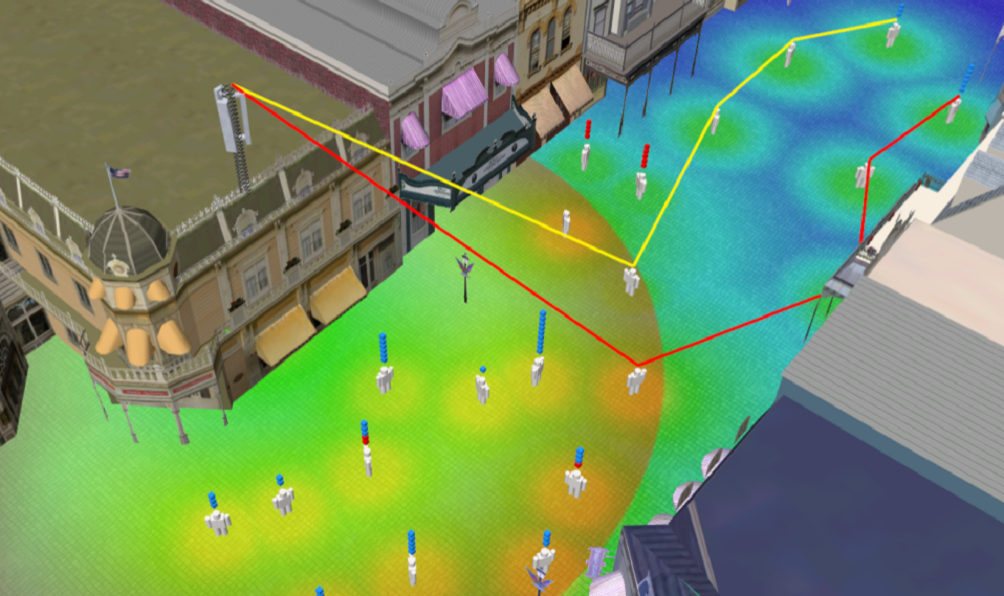
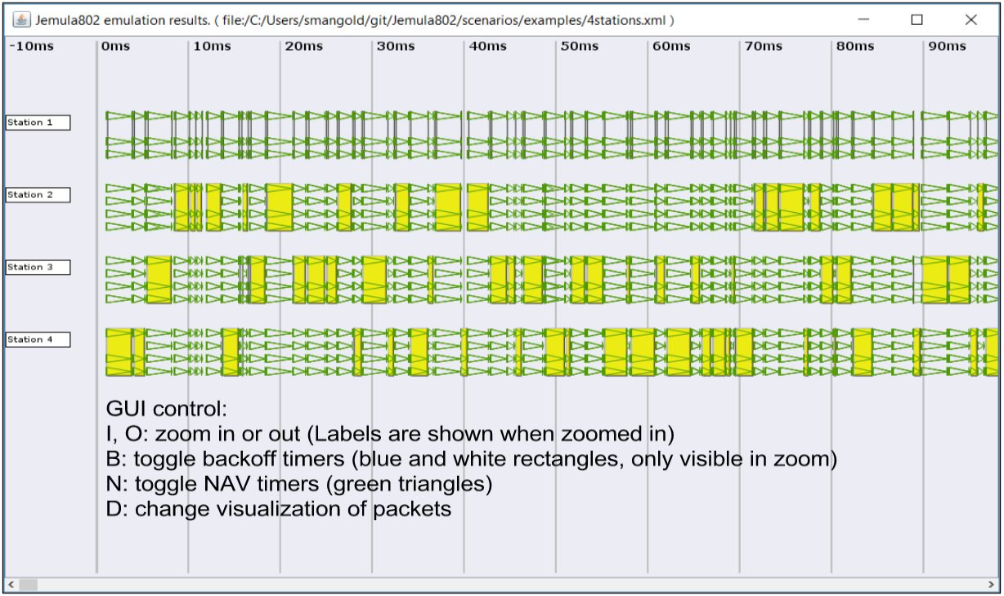
Jemula802 Graphical User Interface, illustrating packet exchanges and protocol details.


© Lovefield Wireless GmbH.
All rights reserved.